
One adventurer and their company
An adventurer raises a tankard on a sunny harbour terrace beside a musician, a ship key and a decorated boat. Choose the place, company and how wild the evening became.
Player & progression
One wild night.
What they remember.
What really happened.

A celebration worth remembering
Keep the comedy with the character and leave the next choices with the player.
An adventurer raises a tankard on a sunny harbour terrace beside a musician, a ship key and a decorated boat. Choose the place, company and how wild the evening became.
Compare uncertain memories with actual events and witnesses. Keep two loose ends, an excuse and two hooks ready for the party to explore.
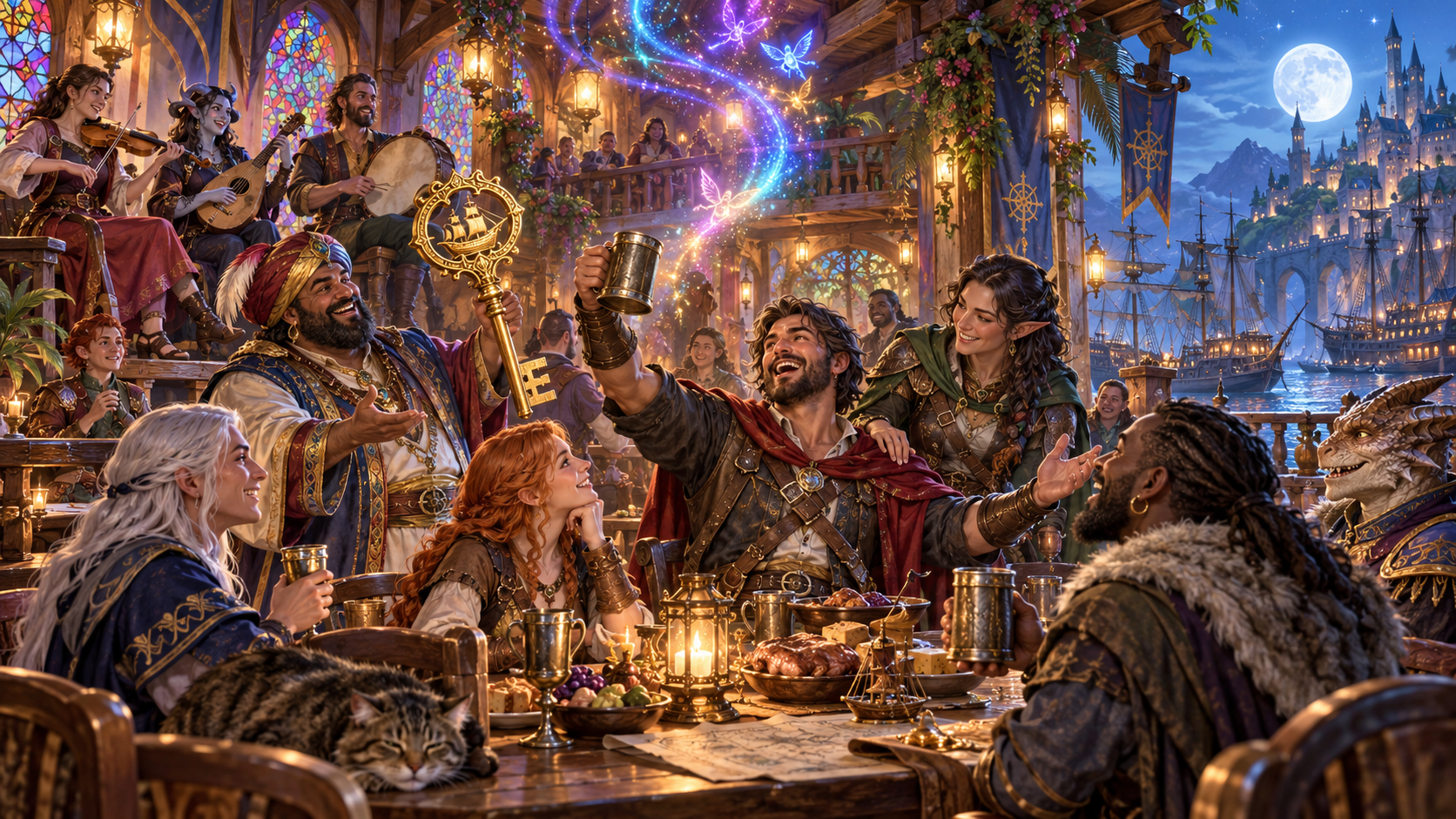
Boasts, music, new friends and magic
A tavern celebration brings a grand toast, musicians, a ship key, new company and colourful magical lights together.
Choose a boast, performance, purchase, friendship, feud, lost possession, magical experiment or promise. Decide who remembers the truth.
What you can prepare
Bring one adult adventurer's wild night back into the campaign.
Name the party members and where they were drinking. Follow the first adventurer named and keep the company and setting beside the story.
Choose the tone and one of six scales, from a merry evening to a night that changed the realm. Match the comedy to your table.
Choose a grand boast, performance, remarkable purchase, new friendship, feud, lost possession, magical experiment or promise.
Keep what the adventurer remembers beside what actually happened. Use the difference to give the celebration a story the table can discover.
Choose who remembers the real events. Bring witnesses into the account and decide how their recollections connect to the adventurer.
Keep two manageable threads from the night. Let the party decide which details to investigate and what to do next.
Review how much trouble the night caused, the adventurer's excuse, two story hooks and practical tips for bringing the result to the table.
Supply a party detail, things to avoid and private Dungeon Master context. Edit the generated story to suit the character and campaign.
Save wild-night stories and reopen their memories, actual events, witnesses and loose ends. Keep favourite details while replacing others.
Copy, download or print the Dungeon Master or player-facing story. Player view includes recollection and actual truth while leaving out the private note.

Recollection, witnesses and clues
A harbour table group compares a remembered toast aboard a ship with witnesses, a belt and a sealed letter. Name the adventurer, place and company.
Set tone, severity and the incident, then choose who knows the truth. Review memory, actual events and two loose ends before bringing the story to play.
Quick setup. Deeper preparation.
Prepare warm table comedy with details that fit the character and group.
Name party members and the celebration setting. Follow the first adventurer named, choose the tone and set how wild the night became.
Select the memorable action and who knows the truth. Keep the recollection, real events and witnesses together.
Supply a party detail, things to avoid and private context. Review the result with the group and edit it to suit your table.
Save and revise the story. Retain favourite details while replacing others, and reopen memories, actual events and loose ends for the next session.

A boat, new company and an invitation
A harbour gathering brings a boat, instrument, new friend, rival and sealed invitation into the aftermath of a celebration.
Review two loose ends, the excuse and two story hooks. Let the players decide what their characters admit and what they do next.
Saved stories and table references
Reopen the story and review the chosen audience view before sharing it.
Save stories and reopen the adventurer, memories, actual events, witnesses, loose ends, trouble and hooks together.
Edit the result to suit the campaign. Keep favourite details while replacing others, and review the finished story for continuity.
Choose the complete Dungeon Master material or player-facing story. Player view contains the recollection and truth, and leaves out the private note.
Copy, download or print the chosen material. Review its story details and private notes before handing it to the table.
Your desktop and related products
Open your products through your account and bring the chosen story to the table.

Open your VISINVOKE products through one signed-in Windows desktop workspace.
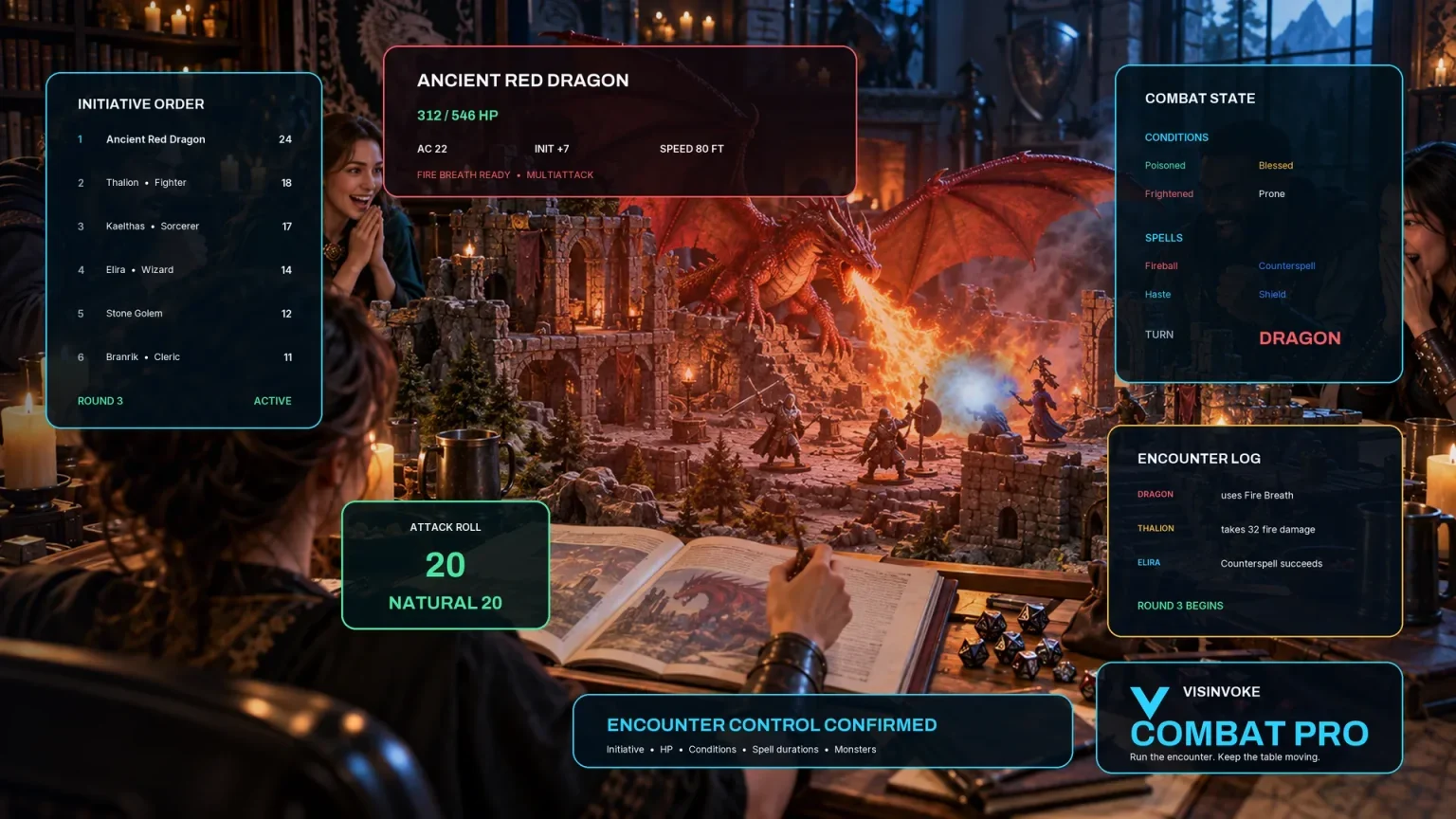
Use the dedicated encounter workspace for combat, and keep your wild-night story with your campaign references.
Artwork illustrates fictional celebrations and related products, not application screens.
Questions and answers
Incidents, recollections, saved stories and audience views at a glance.
One adult adventurer, using the first name supplied among the party members. Prepare an off-screen celebration with its place, company, tone and severity, then review it with your table.
A boast, performance, purchase, new best friend, feud, lost possession, magical experiment or promise. Choose how wild the night became and who remembers the truth.
The adventurer, place and company; tone and severity; a memorable incident; recollection and actual events; who knows the truth; two loose ends; trouble and an excuse; two story hooks, practical tips and a private note.
Yes. Add a party detail, set things to avoid and supply private context, then edit the result. Keep the comedy with the adult character, review the material together and leave the character's next choices with the player.
Save and reopen stories with their memories, actual events, witnesses, loose ends and hooks intact. Revise useful details and copy, download or print a chosen view. The player-facing story includes the truth and recollection, and omits the private note. Review the view before sharing.
Open the Generators collection in Desktop Control Centre on Windows through your VISINVOKE account. Review individual subscription access and current pricing in your account. A free account is separate from paid generator access.
Continue in VISINVOKE
Create a free VISINVOKE account or sign in to your existing account. Get Desktop Control Centre through your account installer page.
Open the Generators collection on Windows. Review current subscription and access details in your account.